Most drivers only need one thing from car diagnostic tools: a quick, reliable answer to “why is my dash light on?” Ignore the noise about expensive lab-grade gear and chasing every feature. Focus on what you'll actually use: reading trouble codes, clearing a check engine light when the fix is done, and checking basic systems like battery and ABS. Everything else is optional for everyday use.
What car diagnostic tools do for you (the short answer)
At its simplest, a car diagnostic tool reads trouble codes from the vehicle’s computer (ECU), shows basic live data (engine RPM, coolant temp, sensor voltages), and clears codes after repairs. Some tools add special functions—battery testing, ABS/SRS reads, TPMS, or bi-directional control for sending commands to components—but those are only useful when you plan to diagnose more than a single fault or perform repairs yourself.
Which tool you need: match the tool to the problem
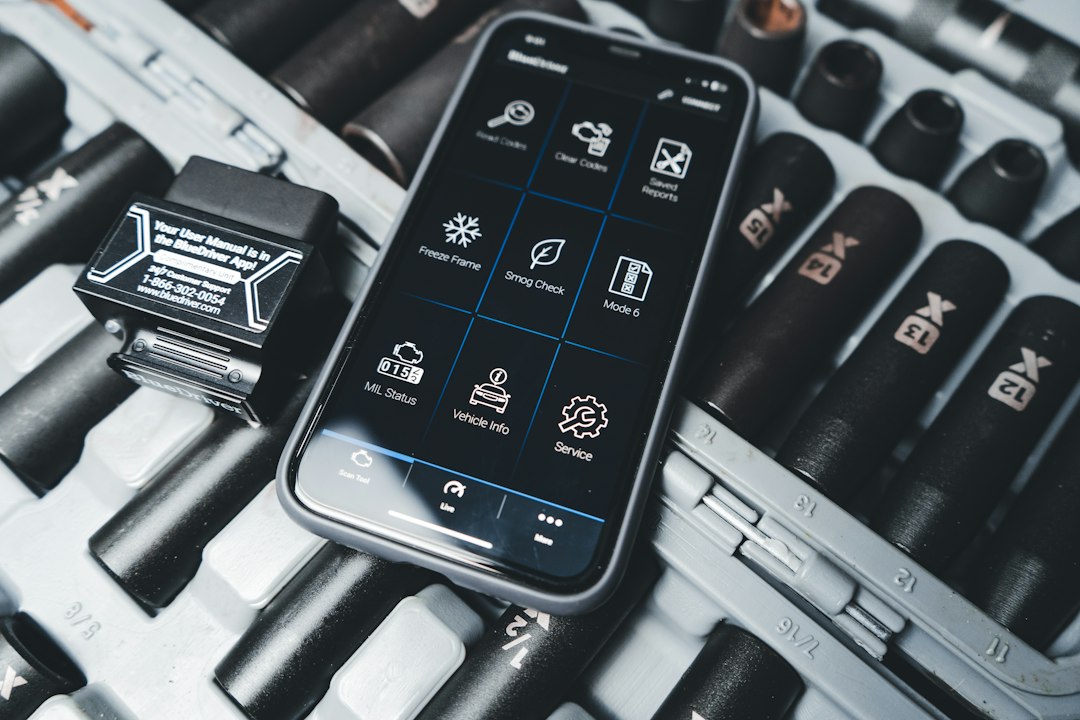
- Occasional check-engine light: A simple code reader or Bluetooth OBD2 dongle plus a smartphone app will tell you the DTC (diagnostic trouble code) and a short description. That often tells you whether you can keep driving or need a shop.
- DIY repairs and maintenance: A mid-range handheld scanner with live data, freeze-frame, and basic service functions (oil/service reset, EPB) is worth the cost.
- Battery and electrical issues: Devices that include battery/charging tests avoid guesswork—especially if you get intermittent starts or frequent battery replacements.
- Heavy-duty vehicles or professional work: Pick a diagnostic tablet or heavy-duty scanner that supports diesel protocols, 12V/24V systems, and bi-directional controls.
How to read and act on codes without getting overwhelmed
When you plug in and get a code (for example P0302), do three things: identify what system it points to, check live data or freeze-frame to confirm the condition, and decide whether you can safely keep driving.
- Start with the code description and the affected system (engine, transmission, ABS).
- Look at live data: is the sensor reading reasonable? For a misfire code, check RPM fluctuations and fuel trim.
- If the car runs normally and the fault is intermittent, monitor it for a day; don’t clear codes immediately or you lose diagnostic history.
When to call a shop — and what to bring
Bring a printout or screenshot of the trouble codes and any live-data snapshots. If the scanner shows a pending or permanent code that affects safety systems (ABS, airbags, steering), stop driving and seek professional help. Use your scanner to confirm the code first—this usually avoids unnecessary diagnostics labor in the shop.
Practical buying guidance and a recommended tool
Decide by use case, not brand hype:
- Budget readers: OK for reading/clearing engine codes and occasional checks.
- Mid-range handhelds: Best for owners who do maintenance and basic repairs—live data, DTC lookup, battery checks.
- Diagnostic tablets / heavy-duty scanners: For professional users or owners of trucks/diesels; they support more protocols and advanced tests.
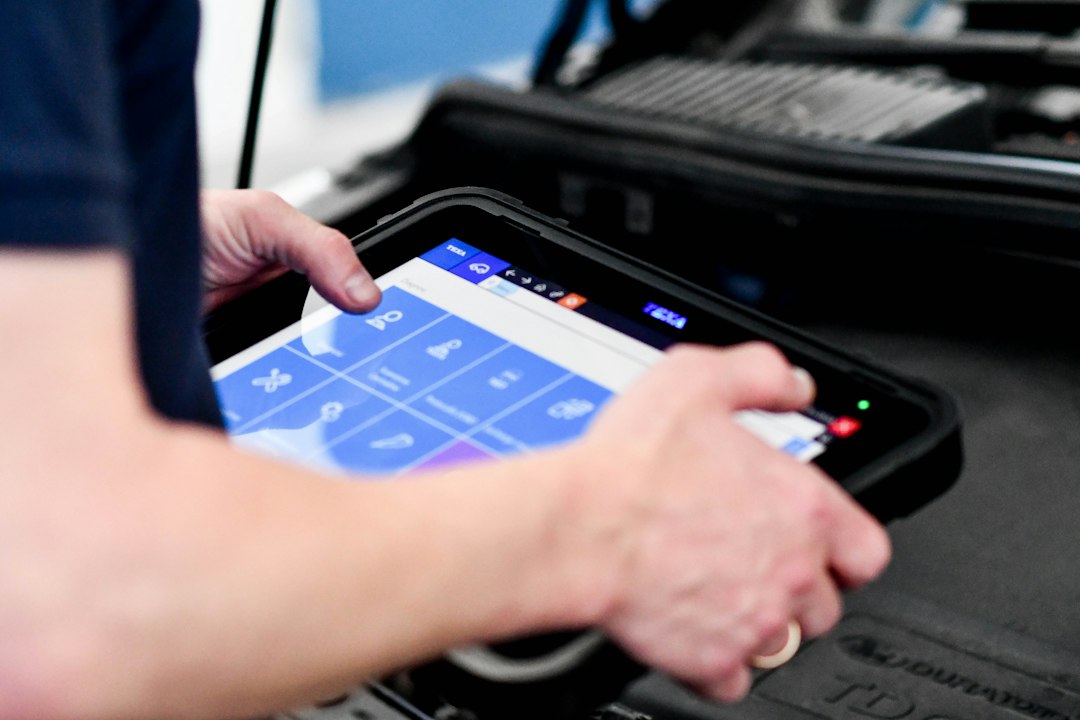
If you want one solid tool that fits most drivers who expect to do more than occasional checks, consider a diagnostic tablet with full-system support and battery testing. It scales from DIY jobs to more involved diagnostics without forcing an upgrade.
The recommended product above makes sense if you work on larger vehicles or want professional-level functions in a hands-on package. For simple home use, a compact Bluetooth OBD2 dongle paired with a reputable app is cheaper and perfectly adequate.
Common misconceptions and useful nuance
- Clearing a code doesn’t fix the problem—only an actual repair does. Clearing too soon removes data technicians may need to diagnose intermittent faults.
- “Manufacturer-level” features aren’t always necessary. Many aftermarket tablets cover the common service and reset functions most drivers need.
- Wireless dongles are convenient but rely on your phone and app; handhelds are self-contained and often faster at the scan, especially in shops or harsh conditions.
Quick safety checklist before you start diagnosing
Always perform basic safety steps: park on level ground, handbrake on, engine off when connecting a wired device unless live-data is needed, and read the vehicle’s manual for airbag and high-voltage warnings on hybrids.
- Confirm the vehicle ignition position required by your tool (ON vs engine running).
- Note dash lights and symptoms before clearing codes or disconnecting batteries.
- Capture screenshots of codes or live data for later reference or a shop visit.
- Use a known-good battery test if starting/charging issues appear before chasing electrical codes.
For everyday drivers, start with a simple OBD2 reader or Bluetooth adapter to understand check-engine lights. If you plan regular repairs, battery checks, or work on heavy-duty vehicles, choose a mid-range handheld or diagnostic tablet that supports live data and service functions.
Can a basic code reader fix my car?
No—code readers report what the car's computer detected. The reader tells you where to look; the actual fix may require parts or mechanical work.
Are Bluetooth OBD2 dongles reliable?
Yes for most engine codes and basic live data; reliability depends on the app and the dongle’s protocol support. Choose reputable brands and apps with recent updates.
Do I need a professional scanner to reset service lights?
Often no; many mid-range scanners and even some budget readers can reset common service lights. Check the feature list before buying.
What does bi-directional control mean and do I need it?
Bi-directional tools can send commands to components (e.g., activate a pump). Useful for advanced diagnostics and repairs—rarely necessary for casual owners.
How long should I keep diagnostic data before clearing codes?
Keep it until the fault is reliably fixed and the issue doesn’t return for several drive cycles; screenshots or saved reports are helpful for technicians.